Securing a cottage in Canada goes far beyond buying a camera; it requires a resilience architecture designed for our winters and our legislation.
- The key is recording redundancy (local + cloud) to counter the physical theft of the camera.
- Only wired solutions (PoE) guarantee reliable power during extreme cold, unlike batteries.
Recommendation: Prioritize segmenting your Wi-Fi network to isolate your cameras and prevent any hacking risks.
A cottage owner’s peace of mind in Canada is often tested by distance. How can you ensure your haven remains secure in your absence, faced with both intrusions and the rigors of winter? Installing a video surveillance system seems like the obvious answer, but the devil is in the details, especially under our climate and within our legal framework.
Many think it is enough to install a wireless camera bought at a big-box store, focusing on marketing arguments like 4K resolution or “intelligent motion detection.” These approaches, while attractive, neglect the three pillars of a truly robust system for a secondary residence in Canada: data resilience against physical equipment theft, energy reliability against intense frost, and digital robustness against cyber threats. True effectiveness lies not in the camera alone, but in the architecture that supports it.
But what if the key wasn’t simply to “see” what’s happening, but to guarantee that the evidence is secured, that the system doesn’t fail at -20°C, and that it doesn’t become an entry point for hackers? This angle, often ignored, is nevertheless fundamental. It’s about thinking in terms of resilience architecture, rather than just a hardware purchase. This technical guide is designed to accompany you in building this system, addressing technical and legal questions that user manuals systematically omit.
This article is structured to respond point-by-point to the specific challenges you will encounter. Explore each section to build a digital fortress around your property.
Table of Contents: Complete Guide to Video Surveillance for Remote Properties in Canada
- Monthly subscription or SD card: what happens if the camera is stolen with the card inside?
- Do wireless cameras really withstand -20°C or should they be plugged in?
- How far can you point your cameras without violating your neighbors’ privacy in Canada?
- Is a video doorbell enough to secure the main entrance against porch pirates?
- Infrared or integrated spotlight: which technology allows identifying a face in total darkness?
- The risk of hacking via your connected fridge and how to segment your network
- Why your city might reject your extension project even before the first blueprint?
- How to make your home smart without scaring off potential buyers?
Monthly subscription or SD card: what happens if the camera is stolen with the card inside?
This is the nightmare scenario for any owner: you receive a detection alert, but when you check the footage, the camera is offline. A burglar ripped it out, taking the SD card and the only proof of their crime with them. This fundamental vulnerability discredits single local recording as a viable security solution for an isolated location. The presence of cameras is a powerful deterrent, and studies confirm that 60% of burglars avoid homes equipped with visible surveillance systems in Canada. However, a determined thief will bypass this and aim to eliminate the evidence.
Resilience architecture dictates recording redundancy. The best practice is to pair two systems: continuous local recording on a Network Video Recorder (NVR) and a cloud subscription for critical alerts. The NVR, a box with a high-capacity hard drive (2TB or more), must be hidden in a secure area of the cottage (a locked closet, a false ceiling, a basement). It records continuously 24/7. Simultaneously, a cloud subscription (such as Nest Aware, Arlo Secure) is configured to upload only video clips triggered by an event detection (person, vehicle). Thus, even if the camera is destroyed, the crucial clip of the intrusion is already safe on a remote server.
This dual approach represents the best of both worlds. You benefit from a full history with no monthly fees thanks to the NVR, while having the assurance of externalized evidence accessible anywhere via the cloud in the event of a major incident. The initial cost of an NVR is higher, but it is amortized over the long term by the absence of recurring fees, while the cloud offers maximum security for a modest monthly cost.
In short, don’t choose between an SD card and the cloud; use both strategically to create a system where the destruction of one element never compromises the whole.
Do wireless cameras really withstand -20°C or should they be plugged in?
Most consumer wireless cameras, powered by batteries, display theoretical operating ranges that inspire confidence. However, the reality of the Canadian winter is a ruthless test. Lithium-ion batteries, which power almost all of these devices, see their performance drop drastically as soon as the mercury falls below freezing. At -20°C, a battery can lose more than 50% of its capacity, or even stop working entirely, leaving your cottage unmonitored at the very moment it is most vulnerable.

The most reliable solution for ensuring climatic robustness is to forgo batteries for main power. Wired systems, and more specifically PoE (Power over Ethernet) technology, are the gold standard. A PoE camera is powered and connected to the network via a single Ethernet cable. As highlighted in a case study by Lorex, an Ontario company specializing in equipment adapted to our climate, physical cable power provides unparalleled stability even in extreme cold. This approach completely eliminates the risk of failure related to the battery.
For cottages where running a cable is impossible, alternatives exist but require more planning. One can consider solar panels paired with larger capacity batteries, specifically designed for northern climates, or heated enclosures that maintain the camera’s battery at an acceptable operating temperature. However, these solutions add potential points of failure. For a new installation, prioritizing a PoE infrastructure is the wisest investment for long-term peace of mind.
Don’t trust marketing promises; the physics of batteries are implacable. For reliable winter monitoring, power must travel through a wire.
How far can you point your cameras without violating your neighbors’ privacy in Canada?
Installing a surveillance system is a right to protect your property, but that right ends where your neighbor’s reasonable expectation of privacy begins. In Canada, although legislation is less centralized than in Europe, the guiding principles are clear and governed notably by the Personal Information Protection and Electronic Documents Act (PIPEDA) and the Civil Code of each province. The golden rule is simple: you can only film your own land.
Any camera pointed, even partially, toward a neighbor’s property (their garden, pool, windows, entrance) constitutes a potential violation of their privacy. This applies even if the intention is not to spy on them. The mere ability to capture images of their private space can be deemed illegal. Similarly, it is strictly forbidden to film public space, such as the street or sidewalk, from your private property. If an incident occurs on public roads, it is the authorities who have the right to deploy surveillance means, not individuals.
Fortunately, technology offers a simple solution to comply with the law: privacy masks. This function, available on most high-quality cameras, allows you to digitally draw black rectangles over certain areas of the camera’s field of vision. These areas will then be permanently obscured on recordings and live viewing. It is therefore possible to install a wide-angle camera that covers your entrance, while masking the part of the neighbor’s yard or the end of the street that would appear in the frame. Documenting this configuration with screenshots is excellent proof of good faith in case of a dispute.
Before fixing your cameras, discuss it with your neighbors. Transparent communication and the rigorous use of privacy masks are the best guarantees of effective security and good neighborly relations.
Is a video doorbell enough to secure the main entrance against porch pirates?
The video doorbell has become a popular deterrent tool, particularly against parcel theft. Its ability to notify the owner in real-time and allow audio interaction certainly has a deterrent effect. However, considering it a complete security solution for a main entrance is a strategic error. Its field of vision is often narrow, and its low positioning makes it vulnerable to sabotage or simple masking by a determined individual. Although home break-ins are declining, with the number of incidents in Canada dropping from over 250,000 to less than 160,000 between 2006 and 2016, entrances remain a major point of vulnerability.
For robust security, one must think in terms of the “surveillance triangle.” This concept involves creating intersecting fields of vision to leave no blind spots. The video doorbell is only the first point of this triangle. The other two points are essential:
- A main high-mounted camera: Installed under the eaves or high on a wall, this camera (ideally a “turret” or “dome” type) offers a bird’s-eye view of the entire porch and approaches. Its positioning makes it difficult to reach and sabotage.
- A camera covering the access path: A third camera (“bullet” type) should be positioned to monitor the driveway or path leading to your door. It allows capturing images of an individual or vehicle long before they reach the entrance.
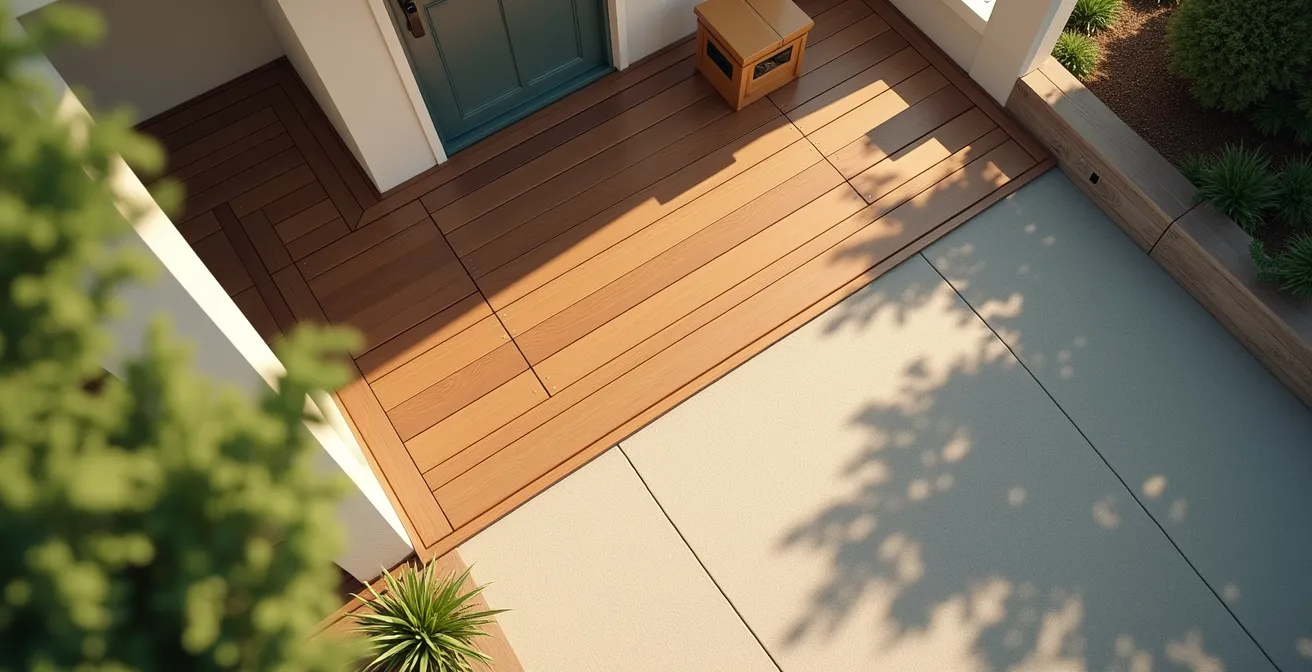
This layered configuration ensures visual redundancy. If an intruder manages to neutralize the doorbell, they will have already been filmed from multiple angles by the other cameras. The smart doorbell remains an excellent front-line tool for managing deliveries and visitors, but it must be integrated into a broader surveillance strategy to be truly effective against serious threats.
Don’t put all your eggs in one basket. The doorbell is the lookout, but it’s the high-mounted cameras that constitute the real guard.
Infrared or integrated spotlight: which technology allows identifying a face in total darkness?
The ability to clearly identify a face at night is the ultimate test for a surveillance system. Two main technologies compete: traditional infrared (IR) night vision and cameras with an integrated LED spotlight. Each has its advantages and disadvantages, and the choice depends on your priority: discretion or identification quality.
Infrared technology illuminates the scene with light invisible to the human eye, producing a clear and sharp black-and-white image. Its main asset is total discretion. It does not disturb wildlife and does not signal the camera’s presence, which can be an advantage for surprising an intruder. However, the black-and-white image, though sharp, can make identifying crucial details like the color of clothing or a vehicle more difficult.
In contrast, cameras with an integrated LED spotlight flood the scene with powerful white light as soon as motion is detected. The advantage is undeniable: you get a detailed, information-rich color video image, greatly facilitating the identification of an individual. Furthermore, the sudden activation of the spotlight has a powerful deterrent effect. The downside is higher power consumption and a total lack of discretion. A third way, “Starlight” or “ColorVu” technology, uses ultra-sensitive sensors to produce color images in very low light conditions without requiring a powerful spotlight, offering an interesting compromise.
To choose the most suitable technology, this comparative table, inspired by product ranges available at retailers like Canadian Tire, highlights the trade-offs to be made.
| Technology | Image Quality | Wildlife Disturbance | Power Consumption | Discretion |
|---|---|---|---|---|
| Classic Infrared | Sharp black & white | Minimal | Low | Invisible LEDs |
| LED Spotlight | Detailed color | High (glare) | High | Very visible |
| Starlight/ColorVu | Low-light color | Moderate | Medium | Discreet |
For unambiguous identification, a camera with a spotlight or Starlight technology is superior. For discreet surveillance, infrared remains a viable option, but with limits in terms of gathering detailed evidence.
The risk of hacking via your connected fridge and how to segment your network
In a modern home, your camera system is just one of dozens of devices connected to your Wi-Fi network: televisions, voice assistants, and even your refrigerator. Every Internet of Things (IoT) object is a potential entry point for a hacker. A poorly secured IoT device can serve as a pivot point to attack more critical targets on the same network, such as your surveillance cameras or, worse, your personal computers. The threat is not hypothetical; it is the foundation of modern cybersecurity.
The most effective defense against this risk is network segmentation. The principle is to create isolated sub-networks. Your trusted devices (computers, phones) are on a main network, while all your less secure connected objects, including your cameras, are placed on a separate network. Thus, even if your fridge is hacked, the attacker finds themselves trapped in that sub-network and cannot “see” or reach your critical devices.
Most routers provided by Canadian operators (Bell, Vidéotron, Telus) offer a simple function to achieve this: the “Guest Network.” By activating this function, you can create a second Wi-Fi network with a different name (SSID) and password. The crucial step is to ensure that the “Allow guests to see other network devices” option is disabled. You then connect all your cameras and IoT objects to this guest network, effectively isolating them. For more advanced users, configuring a VLAN (Virtual Local Area Network) on a more powerful router offers even more robust and granular segmentation.
Don’t view your cameras as simple photographic devices. They are computers permanently connected to the Internet. Treat their security with the same seriousness as that of your laptop.
Why your city might reject your extension project even before the first blueprint?
Just like a physical extension project for your cottage, expanding your “surveillance perimeter” is subject to strict rules that are not just technical but also involve civil law and municipal regulations. Even before drawing up the “plan” for your camera angles, know that your municipality and the law set clear limits that can “reject” your installation if it is poorly designed and encroaches on public space or the privacy of others.
The fundamental principle, as we have seen, is the prohibition of filming beyond your property lines. A Verisure resource, although based on French law, states a universally applicable principle in Canada: it is illegal to point a camera toward a sidewalk, a public parking lot, or a communal path. Even to monitor your own vehicle parked on the street. This rule is non-negotiable. If your cameras film public roads, you generally do not need prefectural authorization as an individual, but you expose yourself to civil lawsuits from any person filmed without their consent.
The question also arises for domestic staff (cleaning, caretaking). You must imperatively inform them of the presence of cameras. It is illegal to film them permanently during their working hours. Cameras can monitor access and assets, but not people in the exercise of their duties in a continuous manner, which would be equated to abusive employee monitoring. Transparency is key: clear signage and open discussion are mandatory to remain within a legal and ethical framework.
Your security system should protect you from external threats, not create legal problems with your neighbors or employees. Rigorous planning upstream is the best form of prevention.
Key Takeaways
- The resilience of a cottage surveillance system relies on redundancy (local + cloud) and not on a single recording mode.
- For the Canadian winter, PoE wired power is the only guarantee of operation. Batteries are a major failure point in extreme cold.
- Your system’s security is not just physical; it is also digital. Isolating your cameras on a separate Wi-Fi network is a non-negotiable cybersecurity step.
How to make your home smart without scaring off potential buyers?
A well-integrated surveillance and home automation system can be a major selling point, perceived as a mark of security and modernity. However, if poorly presented, it can become a real deterrent for potential buyers. The main fear is not the technology itself, but its opacity: who still has access to the cameras? How do I take control of the system? A buyer who feels overwhelmed or fears for their own privacy will see your installation as a liability to be dismantled, rather than an asset.
The key to transforming your system into a competitive advantage is transparency and simplicity of transfer. The buyer must feel in full possession and total control of the system from day one. To do this, preparing a “Security Transfer Dossier” is a professional and reassuring step that makes all the difference. This dossier should be presented as an integral part of the home’s documentation, alongside compliance certificates or renovation invoices.
This dossier transforms a complex set of devices into a turnkey solution, valuing your initial investment and potentially justifying a better selling price. It demonstrates a level of care and organization that inspires confidence far beyond the security system alone. Technology is no longer scary when it is accompanied by clear instructions and a promise of total control.
Action Plan: Your Security Transfer Dossier for Resale
- Complete Documentation: Compile all purchase and installation invoices for the system to prove its value and origin.
- Simplified Guide: Write a personalized user guide with app screenshots, explaining basic functions (viewing, event searching).
- Access Transfer: Prepare a clear procedure for the transfer of account ownership and the resetting of administrator passwords, to be given to the notary in a sealed envelope.
- Reset Procedure: Document the factory reset method for each piece of equipment (cameras, NVR), offering the buyer a “clean slate” option.
- Support and Warranties: List the manufacturer’s technical support contacts and attach information on any warranties still in effect.
To put these strategies into practice and design a tailored security architecture, assessing your specific vulnerability points is the next crucial step.